Desk Occupancy Sensors: The Case for Workstation Monitoring in Hybrid Offices
Desk Occupancy Sensors: Why Workstation Monitoring Is Essential in the Hybrid Office
The desk area — once the undisputed center of office life — is going through its biggest transformation in decades. With hybrid work now standard across most knowledge-work industries, organizations are rethinking how desks are allocated, shared, and monitored. Real time desk occupancy data is at the center of this shift — replacing assumption-based planning with verified, seat-by-seat intelligence. And increasingly, desk occupancy sensors are becoming the technology that makes flexible desking actually work.
Here’s why workstation area monitoring matters more than ever, and how to get it right.
The Evolution of the Office Desk Area
Office design has been on a long journey. The open-plan revolution of the 1950s prioritized floor efficiency, while cubicle farms of the 80s and 90s traded openness for privacy. Today’s modern offices try to balance both — open layouts with designated quiet zones, collaboration areas, and flexible seating.
Through all of this, the workstation area remained the anchor. Five days a week, every employee had a desk. That made planning simple: one person, one desk, one chair.
Hybrid work changed that math entirely.
How Hybrid Work Disrupted Desk Utilization
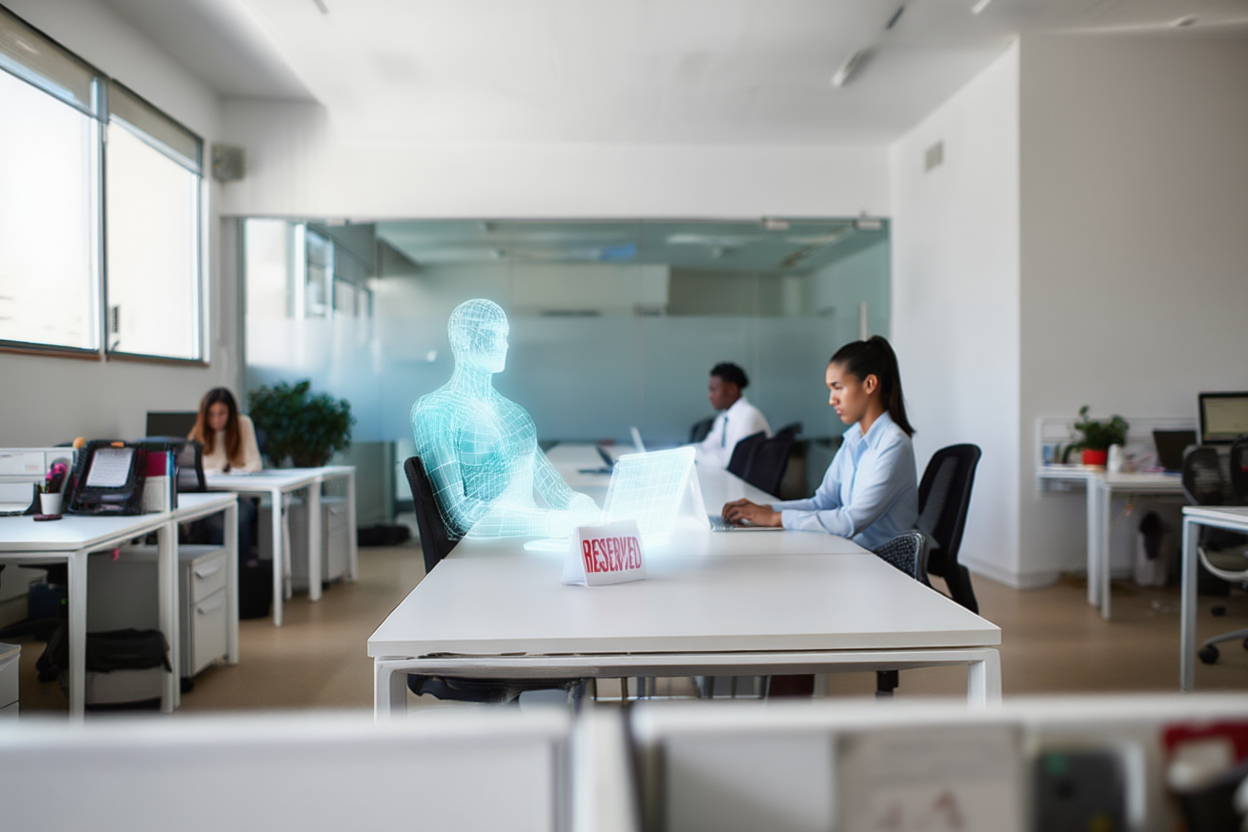
Post pandemic, many tasks that traditionally were done at a desk can be handled just as well from home. Moreover, when at the office, employees leverage the proximity to collaborate and connect, not just for desk work. Organizations embraced flexibility, and employees came to expect it. The result is that on any given day, a significant portion of desks sit empty — yet they still consume floor space, energy, and maintenance budgets.
This creates a dual challenge for workspace leaders. Employees who do come to the office expect a great experience — good technology, available desks in their preferred zone, and a vibrant atmosphere. Meanwhile, finance teams are scrutinizing real estate costs and asking tough questions about workspace utilization rates.
The answer isn’t to eliminate desks. It’s to manage them intelligently with data.
Three Desk Utilization Models for the Hybrid Era
Organizations working with PointGrab’s occupancy sensing technology typically adopt one of three desk utilization models, depending on their culture and attendance patterns:
- Dedicated desks for employees in the office four to five days per week. These teams still benefit from monitoring — the data confirms whether dedicated assignments match actual usage, preventing “phantom desks” that are assigned but rarely occupied.
- Shared desks (desk sharing) between two employees who alternate between office and remote days. Clear scheduling combined with sensor data ensures smooth handoffs and identifies when sharing ratios can be optimized further.
- Hot desking, where desks are available on a first-come, first-served basis or through advance booking. This model delivers the highest space efficiency but requires robust real-time usage data exposure (signage or mobile app) and/or desk booking systems pairing to work well.
Most large organizations end up running a mix of all three across different teams and spaces. The common thread? All models work better with occupancy data.
Why a Desk Booking System Alone Isn’t Enough
Many organizations invest in desk booking software and assume the problem is solved. The booking system handles reservations — what more do you need?
In practice, booking data tells you what was planned. Occupancy sensors tell you what is actually happening. The gap between the two is where the real insights live:
- No-show detection: An employee books a desk but doesn’t show up. Without sensor data, that desk appears “occupied” in the system, blocking others from using it. Employee that see this mismatch lose trust in the booking system. With desk occupancy sensors, the booking application can auto-release the desk after a set period, improving availability.
- Walk-in tracking: Some employees don’t book at all — they just sit down. Sensors capture this usage, giving workspace leaders a complete picture of real demand, not just scheduled demand.
- Zone popularity insights: Historical desk occupancy data reveals which areas are consistently popular and which sit underused. This informs decisions about converting underutilized desk zones into meeting spaces, collaboration areas, or employee amenities.
- Dynamic wayfinding: When integrated with digital signage or an employee experience app, real-time sensor data can direct people toward available desks in quiet or busy zones — matching their preference for the day.
- Demand Based Cleaning: Cleaning rounds in hybrid workplace can be much more effective if the IWMS manages the frequency of tending to a desk based on actual usage during the day
Why Ceiling-Mounted Sensors Outperform Under-Desk PIR
Not all desk sensors are created equal. The legacy approach — mounting small PIR (passive infrared) sensors under each desk — comes with significant limitations:
- Motion dependency: PIR sensors detect movement, not presence. An employee sitting still for an extended period can trigger a false “vacant” signal.
- Intrusiveness: Under-desk sensors can feel surveilling, raising employee pushback and privacy concerns which might damage the sensors
- Limited granularity: PIR sensors report binary occupied/vacant per desk, with no awareness of whether two people are sharing a workstation or gathering around a desk informally.
- Reliability gaps: Battery-powered PIR devices can go offline silently and with the PIR technology catching passing by motion there is a chance of false positives or data blind spots.
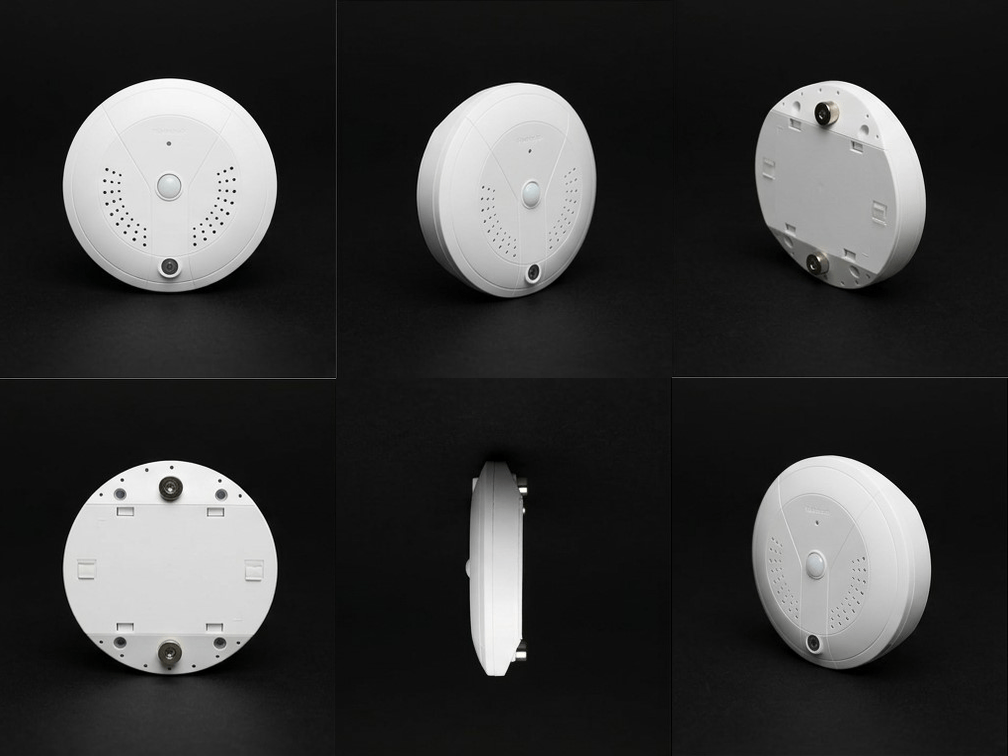
Ceiling-mounted occupancy sensors like PointGrab’s CogniPoint solve these issues. Mounted overhead, they provide desk-level and area-level analytics from a single device covering multiple desks. They detect true occupancy — not just motion — and support two-way communication for reliable, continuous data. Because the sensing happens at the ceiling, it feels less intrusive to employees while actually delivering deeper data.
For a full overview of occupancy sensor types and use cases, see our Complete Guide to Occupancy Sensors.
The Business Case: From Data to Decisions
Workspace leaders who deploy desk occupancy sensors typically see value in three areas:
Space efficiency. Real time desk occupancy data lets organizations right-size their footprint with confidence. Instead of relying on badge swipes or manual surveys, sensors provide continuous, workstation-level evidence of actual usage. Instead of guessing which floors to consolidate, leaders can point to months of actual usage data showing specific zones at below par utilization.
Employee experience. Nobody wants to arrive at the office and wander the floor looking for a desk. Sensors paired with booking, signage and wayfinding tools create a frictionless experience that makes the commute feel worthwhile. With no need for manual check in and true availability presented the employee confidence in workplace technologies increases
Operational savings. From cleaning schedules that follow actual usage patterns to HVAC zones that respond to real occupancy, desk-level data feeds into building operations to reduce costs without reducing comfort.
For a full breakdown of payback timelines and cost modelling, see our guide to occupancy sensor ROI.
Getting Started with Desk Occupancy Monitoring
Deploying desk occupancy sensors doesn’t require a massive overhaul. PointGrab’s CogniPoint sensors are ceiling-mounted, either PoE-connected or wireless — for wireless deployments, Thread mesh networking offers significant advantages over Wi-Fi in dense office environments — and typically operational within 30 to 60 days from order. They integrate with existing booking systems and workplace platforms via standard cloud connectors.
The first step is understanding your current desk utilization baseline — something that’s impossible to do accurately without sensor data. From there, the data guides every decision: which desks to convert, which floors to consolidate, and how to make the office worth the commute.
For a deeper look at how sensor data flows through your workplace infrastructure — including connectivity protocols, data architecture, and integration patterns — see The Complete Guide to Workplace Sensing Infrastructure.
Desk Utilisation Monitoring in Practice
Effective desk occupancy monitoring tracks three distinct signals: whether a desk is booked, whether it is actually occupied, and for how long it was used versus booked. This combination reveals the true gap between reservation data and real behaviour — the core of desk utilisation monitoring. For EMEA deployments, UK-spelling reporting (utilisation, behaviour, neighbourhood) is standard; PointGrab’s platform supports both regional conventions in exported reports.
For a deeper look at how desk sensors fit into your overall building stack — covering data flow, APIs, and integration layers — see our guide to workplace sensing infrastructure.
Ready to learn more? Contact PointGrab for a consultation.
Related Reading
- The Complete Guide to Occupancy Sensors for Modern Offices
- Occupancy Sensor Technologies Compared: PIR, LiDAR, Wi-Fi & More
- Employee-to-Seat Ratio: How to Calculate & Benchmark Your Office Space
- Meeting Room Abuse: How the WASH Index Exposes Hidden Space Waste
- The Complete Guide to Workplace Sensing Infrastructure
- The ROI of Occupancy Sensors: Building the Business Case
Frequently Asked Questions
What are desk occupancy sensors?
Desk occupancy sensors are ceiling-mounted devices that detect whether a workstation is in use, providing real-time and historical data on desk utilization in a hybrid offices.
How do desk occupancy sensors differ from desk booking systems?
Desk booking systems record what was planned, while occupancy sensors show what actually happened, revealing the gap between intended and actual usage.
What is the difference between dedicated desks and hot desking?
Dedicated desks are assigned to specific employees, while hot desking allows employees to use any available desk on a first-come, first-served basis.
Why does hybrid work require desk monitoring?
With hybrid work, many desks sit empty on any given day. Monitoring helps organizations optimize space allocation, reduce real estate costs, and ensure employees have available desks when they come in.
How do occupancy sensors detect no-shows?
Sensors detect when a booked desk is not actually occupied after a set period, allowing the booking system to automatically release it for others to use.
Can desk sensors track which employee is using a desk?
Most modern desk occupancy sensors detect presence without identifying individuals, ensuring privacy while still providing utilization data.
What is desk utilisation monitoring?
Desk utilisation monitoring is the continuous measurement of how desks are actually used versus how they are booked or assigned. It tracks occupancy rates across time periods — by hour, day, and week — to reveal patterns like ghost bookings (reserved but empty desks), peak demand windows, and underperforming desk neighbourhoods. Unlike simple presence detection, desk occupancy monitoring with ceiling-mounted optical AI sensors delivers exact headcount and duration data, giving facilities and HR teams the ground truth needed to right-size their desk inventory and inform real estate decisions.
What is desk occupancy monitoring and how does it work?
Desk occupancy monitoring uses ceiling-mounted sensors — typically thermal or optical edge AI — to detect whether individual workstations are occupied in real time. Unlike desk booking systems that record intent, occupancy monitoring records actual usage. The data feeds into a dashboard showing live occupancy, utilization rates over time, and patterns by zone or floor — enabling data-driven decisions on seating ratios, desk allocation, and space design.